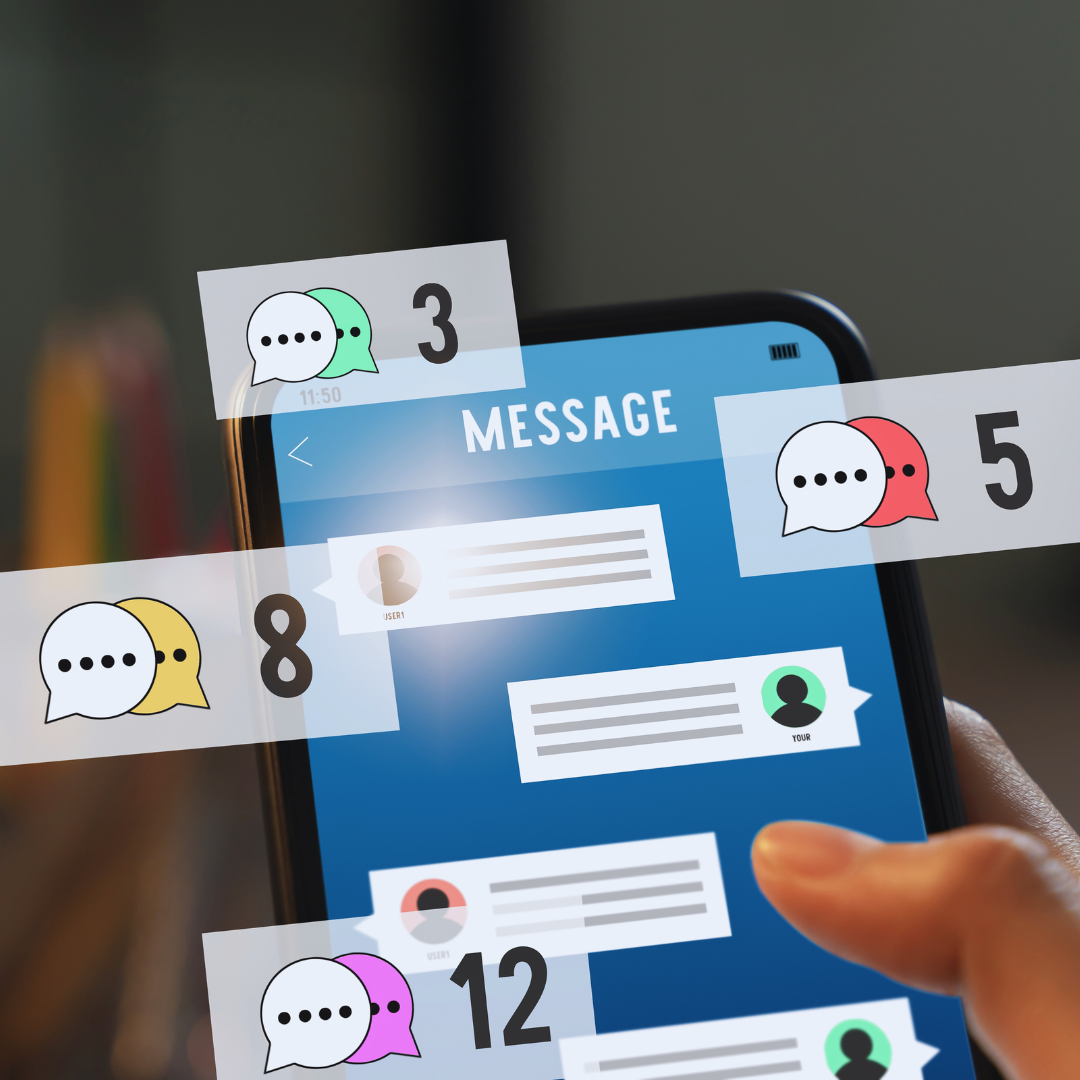
Digital communication can become overwhelming with constant notifications from emails, social media, and apps. Managing notifications effectively involves prioritizing important alerts and muting settings for less critical ones. This shift can significantly reduce distractions and lead to increased productivity.
Creating a system to categorize notifications based on urgency can help in establishing boundaries. By identifying which notifications require immediate attention and which can wait, users can maintain focus on their tasks without unnecessary interruptions.
Additionally, setting specific times to check notifications instead of responding in real-time can foster a more manageable workflow. Taking control of notification settings encourages a healthier relationship with technology and enhances overall well-being.
Understanding Notification Overload and Its Impact
Notification overload can significantly affect daily functioning. Individuals may experience difficulties with focus, attention, and mental well-being due to the sheer volume of alerts and messages they receive. Understanding these effects is essential for developing effective management strategies.
What Is Notification Overload?
Notification overload occurs when a person receives more alerts than they can effectively manage. This can happen across various platforms, including smartphones, computers, and wearable devices.
As notifications accumulate, they lead to increased stress levels. Each alert can trigger a sense of urgency, compelling the individual to respond immediately. The frequency and volume of notifications contribute to a cycle of distraction and anxiety.
How Notifications Affect Attention and Focus
Frequent notifications disrupt concentration, making it challenging to maintain focus on tasks. Studies indicate that every interruption requires a mental reset, which can take several minutes to regain focus.
As attention shifts from primary tasks to responding to alerts, the quality of work may decline. This constant toggling increases cognitive load, leading to greater frustration and a feeling of being overwhelmed.
The Link Between Interruptions and Productivity Loss
Interruptions from notifications can lead to significant productivity loss. Research shows that each distraction can reduce overall efficiency by up to 40%.
When individuals are frequently interrupted, their ability to perform deep work diminishes. This results in an inability to complete tasks in a timely manner, contributing to a sense of burnout and dissatisfaction.
Consequences for Mental Health and Well-Being
Chronic exposure to notification overload can negatively impact mental health. Feelings of stress and anxiety can arise from incessant alerts, leading to notification fatigue.
This fatigue manifests as a sense of being overwhelmed, which can result in burnout over time. Individuals may feel disconnected or unable to cope with the demands of their daily lives, further affecting their overall well-being.
Core Strategies for Managing Notifications
Effectively managing notifications is essential for minimizing interruptions and enhancing concentration. He or she can employ various strategies to streamline digital communication and reduce notification fatigue.
Prioritizing and Auditing Notification Sources
To manage notifications effectively, one must first assess their sources. This involves auditing all applications and services that send notifications.
- List all apps that deliver alerts.
- Identify which notifications add value and which do not.
Once the audit is complete, prioritize notifications based on their importance. For example, messages from colleagues or urgent reminders may take precedence over social media alerts.
Regularly revisiting this list ensures that one only receives relevant notifications, reducing distraction.
Customizing Alert Settings
Many devices and applications offer customizable alert settings. These settings allow users to control how and when they receive notifications.
- Choose notification types: Decide whether to allow sound, vibration, or visual alerts.
- Set different notification types for different apps based on their priority.
For instance, email alerts may be less urgent than those from a project management tool. Fine-tuning these settings ensures that only significant alerts disrupt deep work, facilitating better focus.
Utilizing Do Not Disturb Modes
Implementing “Do Not Disturb” (DND) modes can significantly enhance concentration. This feature silences notifications for a predetermined period, allowing for uninterrupted work.
- Most devices provide scheduling options for DND modes.
- Users can select specific hours for focus or deep work.
During these times, only critical notifications may come through, such as calls from designated contacts. This helps to maintain focus and reduce the likelihood of distractions resulting in notification fatigue.
Scheduled Check-Ins for Digital Communication
Establishing scheduled check-ins for digital communication can provide structure, thereby minimizing constant interruptions. Instead of reacting to notifications as they arrive, allocate specific times to review messages and alerts.
- Determine optimal times for checking communication, such as every hour or twice a day.
- Communicate this schedule to colleagues to manage expectations.
This structured approach allows individuals to focus on tasks without frequent distractions. Regular check-ins help maintain connections while preserving productive time blocks for deep work.
Building Sustainable Notification Habits
Establishing effective notification habits is crucial for maintaining focus and enhancing mental health. By creating boundaries and integrating mindful practices, individuals can better manage their digital interactions and avoid burnout. The strategies below can pave the way for a more balanced approach to notifications.
Establishing Boundaries and Digital Wellness Routines
To combat notification overload, it’s essential to set specific boundaries. Designating certain hours for focused work can minimize distractions. For example, enabling “Do Not Disturb” mode during work hours helps maintain concentration.
Creating a digital wellness routine is also beneficial. This can include a weekly schedule for checking notifications, allowing individuals to engage with content without feeling overwhelmed. For instance:
- Morning Review: Check notifications after morning coffee.
- Midday Check: Briefly revisit notifications during lunch.
- Evening Wind Down: Limit notifications to urgent matters.
Implementing these boundaries fosters a healthier relationship with technology.
Practicing Mindfulness and Digital Detox
Engaging in mindfulness practices can help individuals become more aware of their notification habits. Regularly taking breaks to evaluate which notifications are relevant can enhance focus.
Digital detoxes, where individuals disconnect from devices for a set period, can also be effective in reducing mental clutter. This may include:
- Weekend Detox: Unplugging from all devices over the weekend.
- Daily Breaks: Taking short breaks from screens throughout the day.
Such practices lead to improved attention span and decreased feelings of burnout.
Leveraging Technology for Smarter Notification Management
Various applications and built-in device settings can aid in managing notifications effectively. Utilizing features such as notification grouping can streamline alerts, allowing for more organized engagement.
Additionally, customized notification settings can improve focus. Users can tailor alerts for specific apps, ensuring only important notifications are received.
For example:
- Prioritize Contacts: Enable alerts for specific contacts only.
- Silence Non-Essential Apps: Turn off notifications from less important applications.
By leveraging technology wisely, individuals can create a notification system that supports their mental health and enhances productivity.